Toilet Tower Defense Controls
Placement, rotation, upgrade/sell shortcuts, plaza commands, and platform tips.
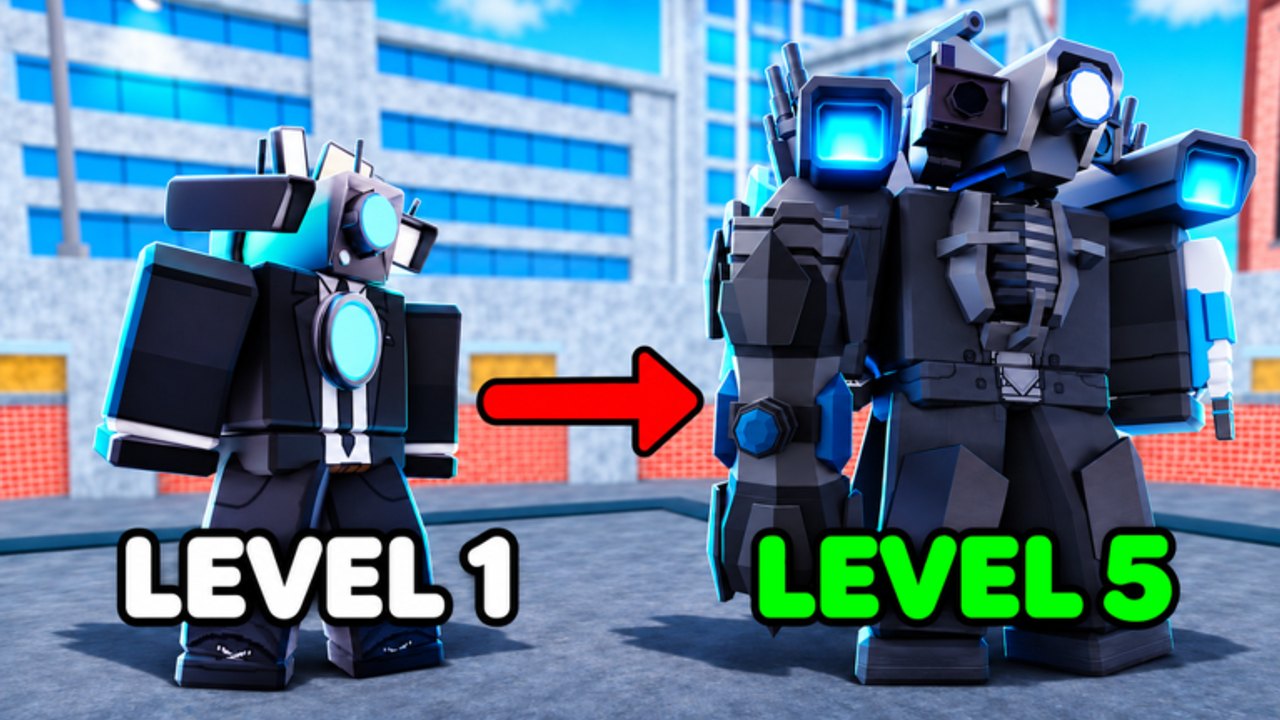
Mastering Toilet Tower Defense controls saves coins and prevents leaks. This guide covers PC, mobile, and console inputs for placement, rotation, upgrades, sells, lobby chat commands, and the November 7, 2026 quality-of-life pass that moved troop management and added PC upgrade/sell shortcuts on a selected troop. Pair it with Getting Started for your first Easy clear and Farm Units so income upgrades stay fast under pressure.
Toilet Tower Defense is a free Roblox tower defense game by Telanthric Development (place 13775256536). Matches start when you step on a lobby platform; up to about five players share a pad inside ~30-player servers. Clean inputs matter most on Nightmare Mode, Abysmal Mode, and long Endless Mode runs where every second of upgrade delay costs a wave.
Core match controls
| Action | PC (keyboard / mouse) | Mobile | Console (typical) |
|---|---|---|---|
| Move | WASD / arrows | Virtual stick | Left stick |
| Jump | Space | Jump button | A / Cross |
| Camera look | Right-drag | Swipe | Right stick |
| Zoom | Scroll wheel | Pinch | Stick click / bumpers |
| Place / confirm unit | Left click | Tap | RT / R2 |
| Cancel / close UI | Q or X | Close icon | B / Circle or X / Square |
| Rotate unit before place | R | Rotate icon | Y / Triangle |
Exact console glyphs vary by Xbox versus PlayStation skins, but the pattern is the same: confirm with the right trigger, cancel with the face button that closes menus, rotate with the top face button. If a binding feels wrong after a patch, open Roblox settings and re-check the experience controls list.
Upgrade and sell after the November QoL pass
On November 7, 2026, Telanthric shipped a quality pass that:
- Moved troop management UI toward the left side of a match
- Added PC upgrade and sell shortcuts for the currently selected troop
- Continued mobile optimization and troop bug fixes
Select a placed unit first, then use the on-screen Upgrade / Sell buttons or the new PC shortcuts shown in the troop panel. Selling refunds a portion of invested coins—use sells to pivot farms into DPS when toilets spike, as described in Endless Mode. Never sell your last farm on a Nightmare open unless a teammate already covers income.
Practice the select → upgrade loop on Easy until it is muscle memory. On Hard and above, delayed upgrades are a common wipe cause even with strong units from the Tier List.
Lobby and chat commands
Useful chat commands players rely on:
- /lobby — Return to the main lobby from a match or plaza when available
- /plaza — Jump to the Trading Plaza for unit swaps and marketplace listings
Trading flow, scam avoidance, and gem value caution live on How to Trade. Redeem Codes with the Codes button in the top-right before long sessions; full UI steps are on How to Redeem Codes.
Placement tips that feel like “controls”
Controls are useless without placement discipline:
- Rotate units so their range covers the bend where toilets linger.
- Place Farm Units early, then fill DPS on primary and secondary lanes.
- Respect placement caps—wasteful early maxes leave no slots for late S-tier carries.
- In co-op, call which bend you own so ranges do not stack on one corner.
- After Rebalance, troop panels and left-side management make quick selects easier—use that to keep upgrade cadence high.
Mobile and console notes
Mobile players should enable a comfortable camera sensitivity and avoid covering the place button with a finger while rotating. Console players benefit from binding camera look carefully so aim stays on bends during upgrades. The embedded video shows a console-oriented control pass you can mirror on DualSense or Xbox pads.
When a big patch lands—Rebalance, Clone Crate titans, OG lobby return—re-open this page and Updates together. UI positions shift; shortcuts stay valuable only if you re-learn where the troop panel sits.
Quick checklist before Nightmare or Endless
- Confirm place, rotate, upgrade, and sell on Easy.
- Redeem live codes and summon during luck windows (Summoning Guide).
- Agree co-op roles on Players.
- Keep /plaza bookmarked mentally for post-match trades.
- Review Clone Crate Titans if your loadout depends on new exclusives.
Clean inputs plus farms-first economy beats fancy units you cannot upgrade in time.
Frequently Asked Questions
Quick answers to the most common Toilet Tower Defense questions.
Does Toilet Tower Defense have PC upgrade and sell hotkeys?
Yes. The November 7, 2026 quality pass added PC upgrade and sell shortcuts for the selected troop and moved troop management toward the left side of the match UI.
How do I rotate a unit before placing it?
On PC press R while placing. On mobile use the rotate icon. On console use the top face button (Y / Triangle on many layouts).
What chat command opens the Trading Plaza?
Type /plaza in chat when the command is available, or use the orange plaza portal in the lobby. Full trading steps are on How to Trade.
Where is the Codes button?
In the lobby, top-right. Open it, enter the code exactly, then press Redeem.
Should mobile players buy hotkey gamepasses from other games?
No. Only use Toilet Tower Defense’s own UI and any shortcuts Telanthric documents in-game. Other experiences’ hotkey passes do not apply here.